Important Account Guidelines
To ensure proper ticket management and visibility for your office, it is essential
that each office use ONLY the PRIMARY office email address when accessing the Help Center / Support Portal.
We strongly encourage offices to securely share the portal login with authorized team members responsible for:
For urgent matters requiring immediate assistance,
please continue contacting our office directly at
248-440-2334.
Remote-In Support
Remote Support and self-service Remote Access is available for Managed Services clients.
If you're trying to join a remote session, ask your Technician for the join link.
Create New Support Ticket
If you already have an account, click here to create a new Ticket or view your existing Tickets.
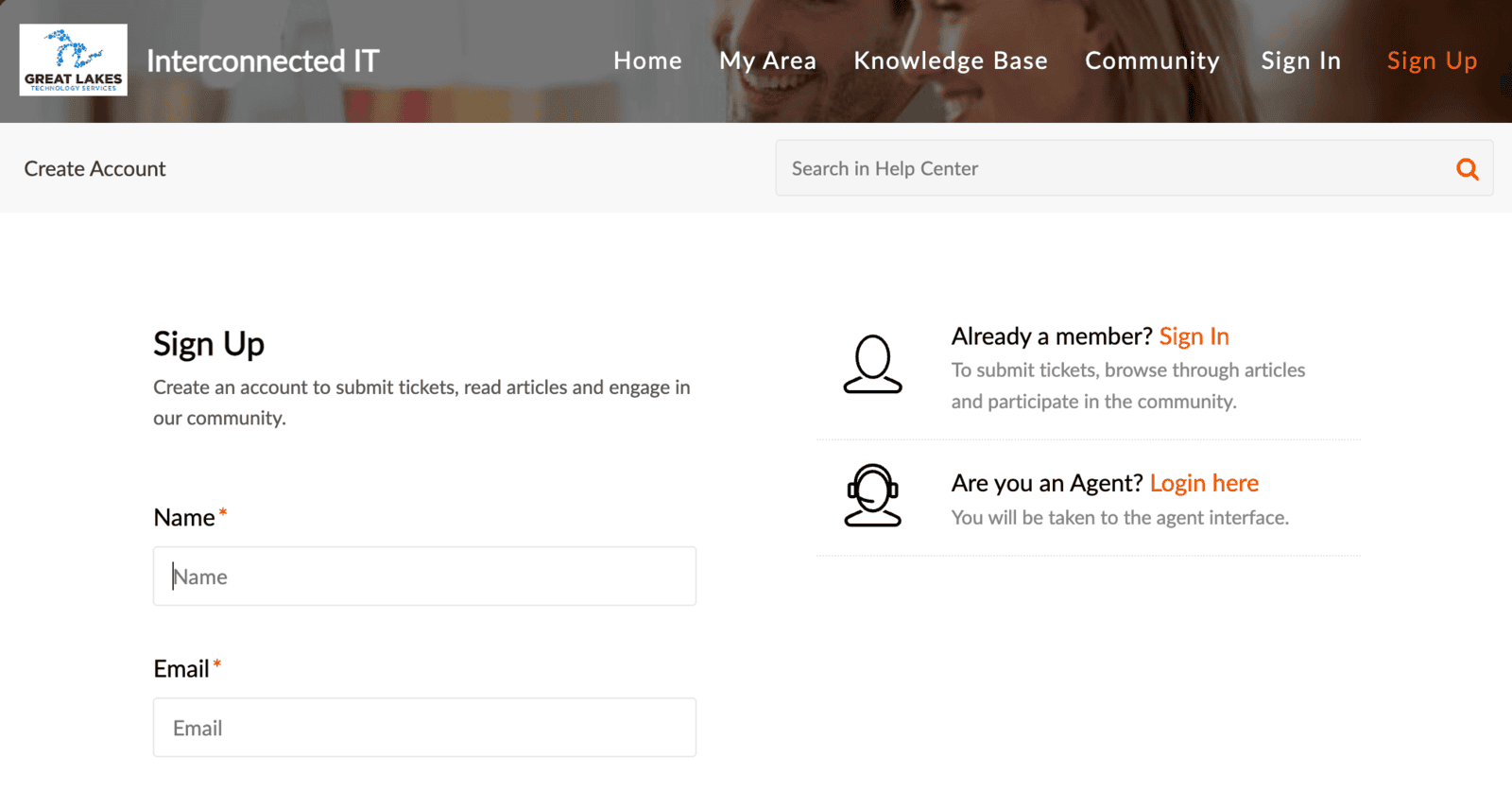
How To Create An Account
Creating your GLTS Support Portal account is easy.
Just click here to request your account.
Once your account is approved, you'll be able to click the button above to create a new Ticket at any time in the future.